Manage Alerts
The Alerts feature in E-Mapping allows you to monitor and respond quickly to critical events across multiple locations, enabling real-time situational management. You can select an alert from the list and the system will automatically guide you to the corresponding area on the map, supporting rapid and effective intervention.
To Manage and Navigate Alerts on the Map
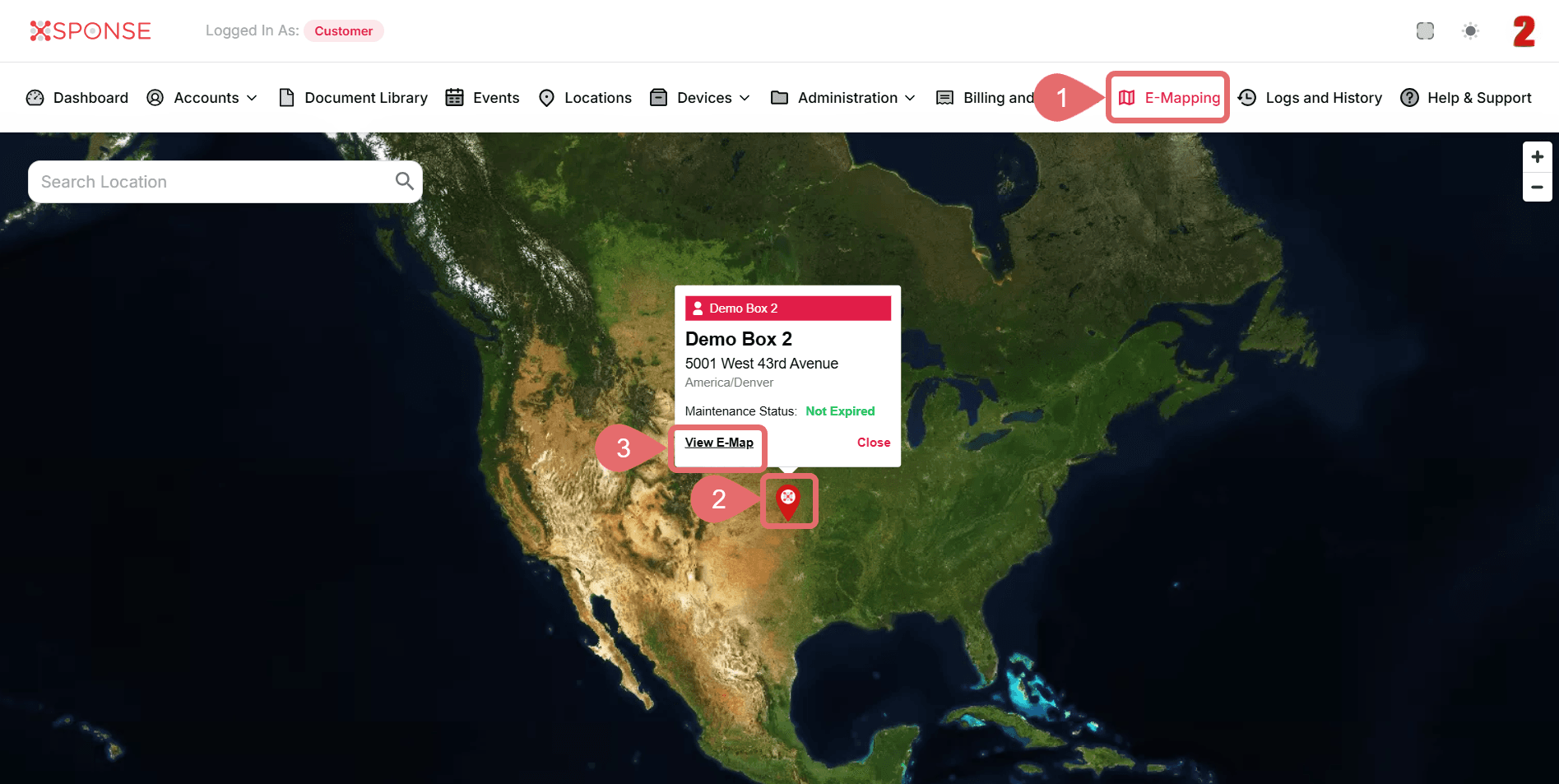
- Go to E-Mapping from the main menu.
- Select Marker.
- Click View E-Map.
- In the map view, click the Alerts option in the top bar. A side panel will appear showing all active alerts.
- Select the alert you want to locate on the map.
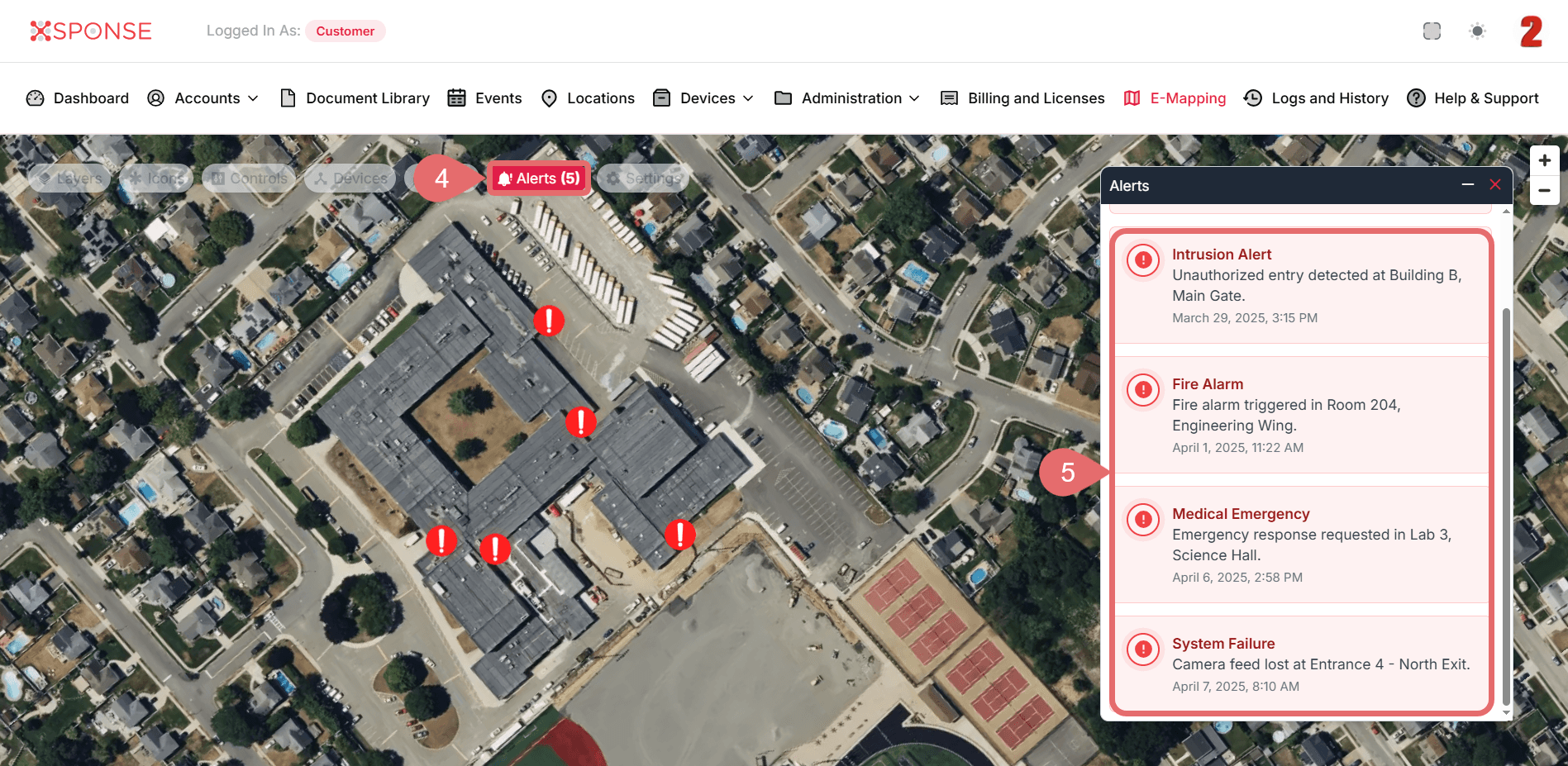
The system will automatically zoom to the location on the map where the alert was triggered, highlighting the affected area.
Inspecting Alert Locations on the Map
You can interact with the map to visually inspect the affected area and coordinate immediate response actions based on the situation.
See Also
To complement your knowledge of this process, check the following pages: